本文介绍选择输入类控件,包括 QComboBox、QSpinBox:
- QComboBox:聚焦下拉选择框
- QSpinBox:数值微调框
QComboBox
QComboBox 是 PySide6(Qt Widgets)里的下拉组合框,把按钮 + 弹出列表合在一起:
用于单选
 1
 2
 3
 4
 5
 6
 7
 8
 9
10
11
12
13
14
15
16
17
18
19
20
21
22
23
24
25
26
27
28
29
30
31
| import sys
from PySide6.QtWidgets import QApplication, QWidget, QVBoxLayout, QComboBox, QLabel
class MyWindow(QWidget):
def __init__(self):
super().__init__()
self.setWindowTitle("QComboBox 演示")
self.resize(400, 200)
layout = QVBoxLayout(self)
self.items = ["A", "B", "C"]
cb = QComboBox()
cb.addItems(self.items)
cb.setCurrentIndex(0)
cb.currentIndexChanged.connect(self.on_select)
layout.addWidget(cb)
self.label = QLabel(f"当前选中:{self.items[0]}")
layout.addWidget(self.label)
def on_select(self, idx):
self.label.setText(f"当前选中:{self.items[idx]}")
app = QApplication(sys.argv)
window = MyWindow()
window.show()
sys.exit(app.exec())
|
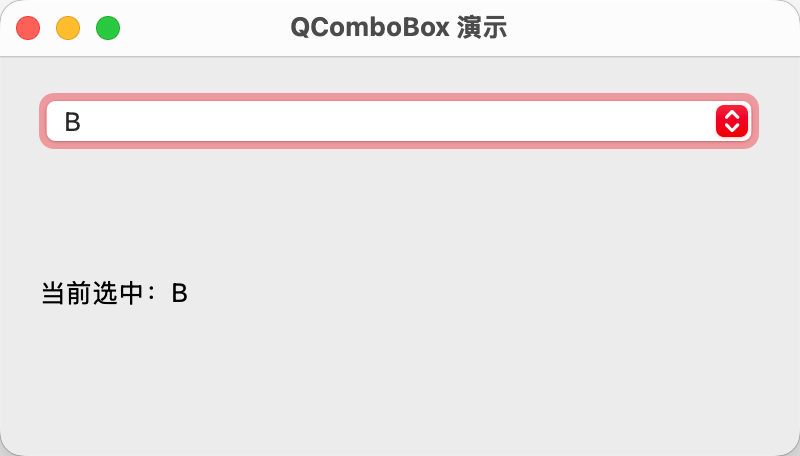
.addItems(items):添加多个选项.setCurrentIndex(idx):设置当前选中项.currentIndexChanged.connect(callback):连接选中项改变信号
演示效果如下:
可输入下拉
 1
 2
 3
 4
 5
 6
 7
 8
 9
10
11
12
13
14
15
16
17
18
19
20
21
22
23
24
25
26
27
28
29
30
31
32
33
| import sys
from PySide6.QtWidgets import QApplication, QWidget, QVBoxLayout, QComboBox, QLabel
class MyWindow(QWidget):
def __init__(self):
super().__init__()
self.setWindowTitle("QComboBox 演示(可编辑)")
self.resize(400, 200)
layout = QVBoxLayout(self)
self.items = ["Apple", "Peach", "Orange"]
cb = QComboBox()
cb.setEditable(True)
cb.addItems(self.items)
cb.setCurrentIndex(0)
cb.currentIndexChanged.connect(self.on_select)
layout.addWidget(cb)
self.label = QLabel(f"当前选中:{self.items[0]}")
layout.addWidget(self.label)
def on_select(self, idx):
print("选中:", idx)
self.label.setText(f"当前选中:{self.items[idx]}")
app = QApplication(sys.argv)
window = MyWindow()
window.show()
sys.exit(app.exec())
|
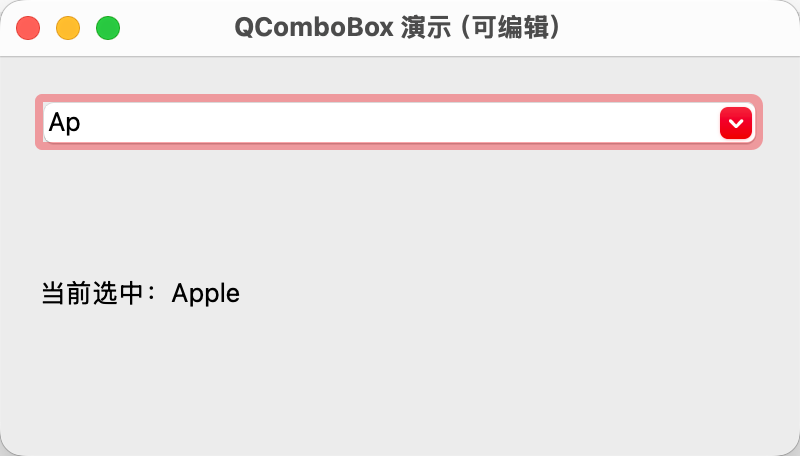
.setEditable(True):设置为可编辑模式- 不建议设置可编辑模式,因为用户可以输入任意内容,导致选项下标超出范围,须额外添加数据校验
演示效果如下:
绑定自定义数据
 1
 2
 3
 4
 5
 6
 7
 8
 9
10
11
12
13
14
15
16
17
18
19
20
21
22
23
24
25
26
27
28
29
30
31
32
33
34
| import sys
from PySide6.QtWidgets import QApplication, QWidget, QVBoxLayout, QComboBox, QLabel
class MyWindow(QWidget):
def __init__(self):
super().__init__()
self.setWindowTitle("QComboBox 演示(可编辑)")
self.resize(400, 200)
layout = QVBoxLayout(self)
self.items = [("Apple", "A"), ("Peach", "B"), ("Orange", "C")]
self.cb = QComboBox()
for item in self.items:
self.cb.addItem(item[0], item[1])
self.cb.setCurrentIndex(0)
self.cb.currentIndexChanged.connect(self.on_select)
layout.addWidget(self.cb)
self.label = QLabel(f"当前选中下标:{0},文本:{self.items[0][0]},数据:{self.items[0][1]}")
layout.addWidget(self.label)
def on_select(self, idx):
text = self.cb.currentText()
data = self.cb.currentData()
self.label.setText(f"当前选中下标:{idx},文本:{text},数据:{data}")
app = QApplication(sys.argv)
window = MyWindow()
window.show()
sys.exit(app.exec())
|
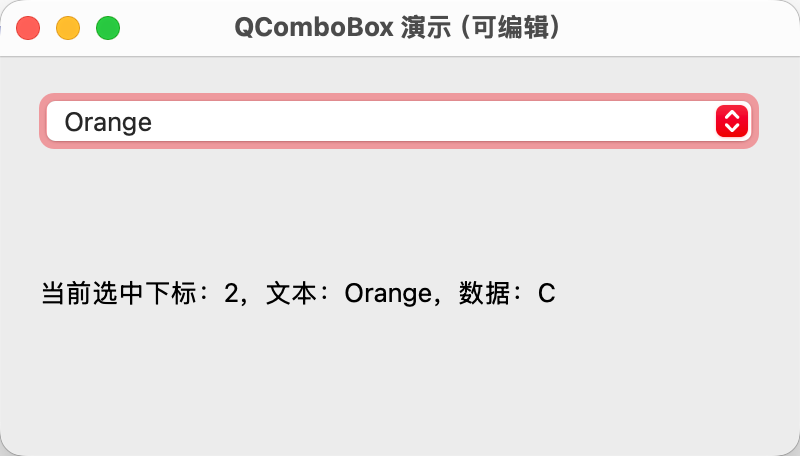
.addItem(text, data):添加选项,同时绑定自定义数据
演示效果如下:
常用的信号有:
currentIndexChanged:选中项下标变化currentTextChanged:选中文本变化activated:用户点击选择时触发,代码修改不触发editTextChanged:编辑模式下输入文本改变
QSpinBox
QSpinBox 用于输入整数,自带上下箭头微调按钮,可限制最大值、最小值与步长。
 1
 2
 3
 4
 5
 6
 7
 8
 9
10
11
12
13
14
15
16
17
18
19
20
21
22
23
24
25
26
27
28
29
| import sys
from PySide6.QtWidgets import QApplication, QWidget, QVBoxLayout, QSpinBox, QLabel
class MyWindow(QWidget):
def __init__(self):
super().__init__()
self.setWindowTitle("QSpinBox 演示")
self.resize(400, 200)
layout = QVBoxLayout(self)
self.spinbox = QSpinBox()
self.spinbox.setRange(0, 100)
self.spinbox.setValue(50)
self.spinbox.valueChanged.connect(self.on_value_changed)
layout.addWidget(self.spinbox)
self.label = QLabel(f"当前选中:{self.spinbox.value()}")
layout.addWidget(self.label)
def on_value_changed(self, value):
self.label.setText(f"当前选中:{value}")
app = QApplication(sys.argv)
window = MyWindow()
window.show()
sys.exit(app.exec())
|
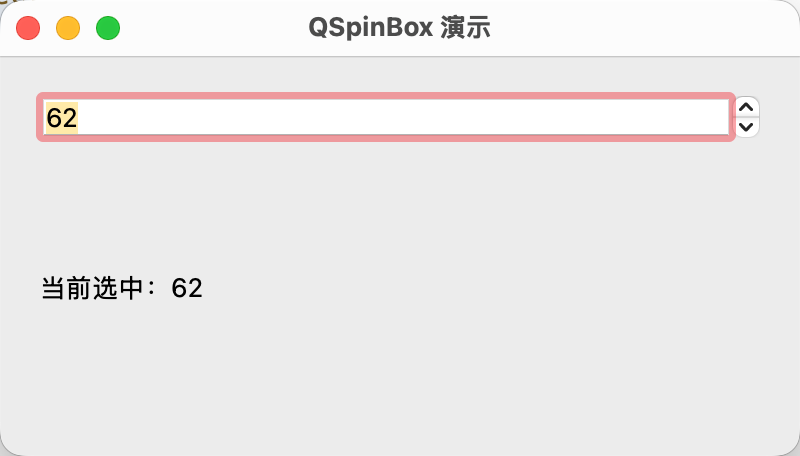
.setRange(min, max):设置范围.setValue(value):设置当前值.valueChanged.connect(callback):连接值改变信号
演示效果如下:
其它常用方法还包括:
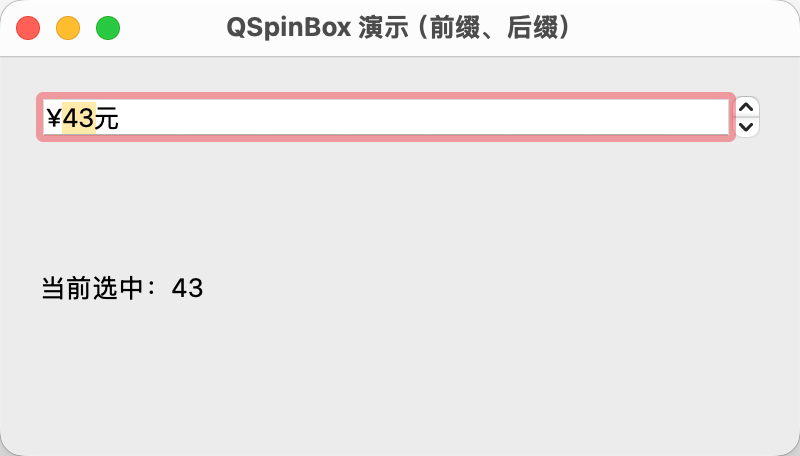
.setSingleStep(step):设置单步长长.setPrefix(prefix):设置前缀,如 “$"、"€” 等.setSuffix(suffix):设置后缀,如 “kg”、“cm” 等
如下:
 1
 2
 3
 4
 5
 6
 7
 8
 9
10
11
12
13
14
15
16
17
18
19
20
21
22
23
24
25
26
27
28
29
30
31
| import sys
from PySide6.QtWidgets import QApplication, QWidget, QVBoxLayout, QSpinBox, QLabel
class MyWindow(QWidget):
def __init__(self):
super().__init__()
self.setWindowTitle("QSpinBox 演示(前缀、后缀)")
self.resize(400, 200)
layout = QVBoxLayout(self)
self.spinbox = QSpinBox()
self.spinbox.setPrefix("¥")
self.spinbox.setSuffix("元")
self.spinbox.setRange(0, 100)
self.spinbox.setValue(50)
self.spinbox.valueChanged.connect(self.on_value_changed)
layout.addWidget(self.spinbox)
self.label = QLabel(f"当前选中:{self.spinbox.value()}")
layout.addWidget(self.label)
def on_value_changed(self, value):
self.label.setText(f"当前选中:{value}")
app = QApplication(sys.argv)
window = MyWindow()
window.show()
sys.exit(app.exec())
|
演示效果如下:
小结
QComboBox 是下拉单选控件,多用于文字类离散选项,支持绑定隐藏数据,还可开启输入模式;QSpinBox 是整数微调控件,用于连续数值选择,支持范围、步长、单位后缀配置。